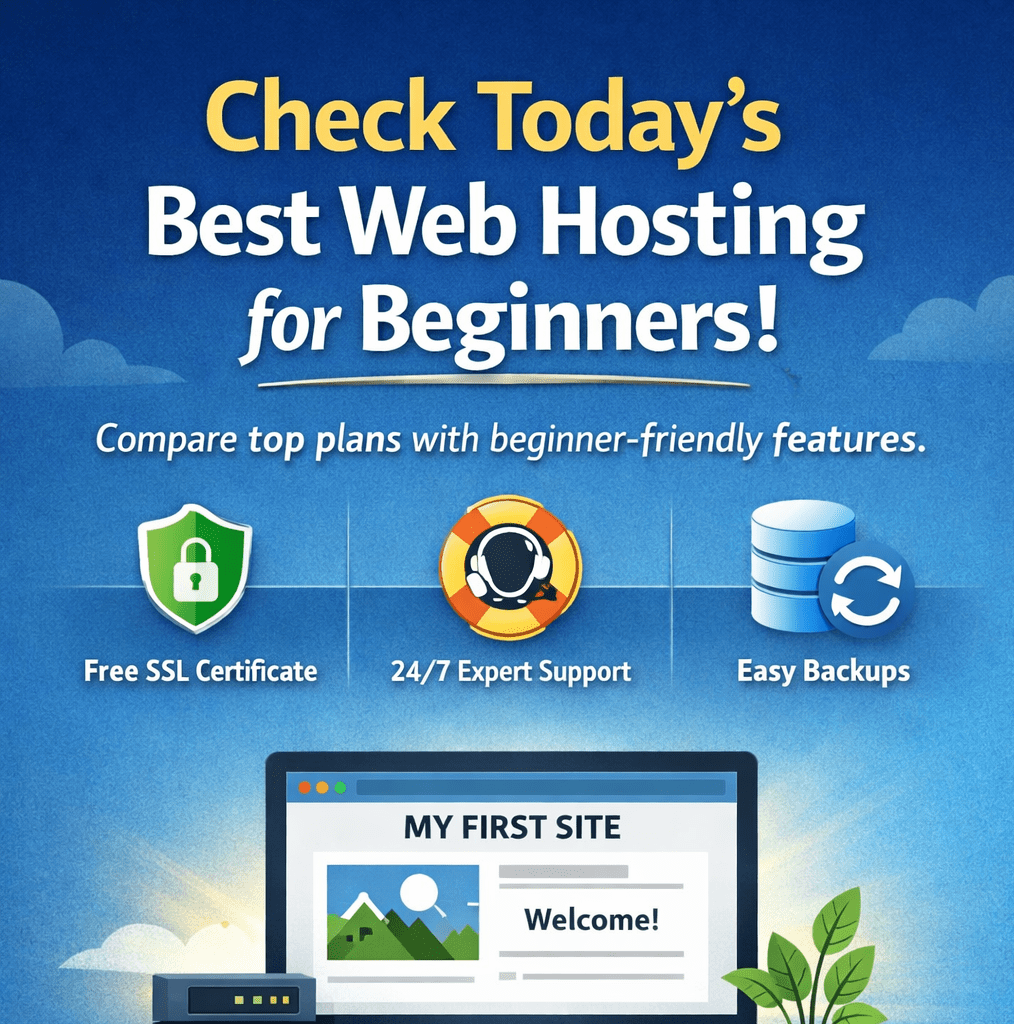
You’re ready to put something of yours on the internet—a blog, a portfolio, a small business site, maybe even a store. And then you hit the first real roadblock: web hosting. Suddenly you’re looking at a dozen plans, unfamiliar terms, teaser prices that jump later, and “limited-time” add-ons that make you second-guess everything.
Here’s the good news: you don’t need to be technical to choose the best web hosting for beginners. You just need a clear checklist, a simple way to compare options, and a plan that fits what you’re building right now (not what a provider wants to upsell you into).
This guide will walk you through hosting in plain English—so you can launch your site with confidence.
What Web Hosting Is (In Plain English)
Web hosting is a service that stores your website’s files and makes them available online. When someone types your domain into a browser, your hosting server delivers your pages, images, and content.
Think of it like this:
- Your website = the house (your content and design)
- Web hosting = the land (where your house “lives”)
- Your domain name = the address (how people find you)
Without hosting, your website has nowhere to exist publicly.
Types of hosting you’ll see as a beginner
You’ll come across several hosting types, but you can ignore most of them at first:
- Shared hosting: You share server resources with other websites. It’s affordable and usually the easiest starting point.
- Managed WordPress hosting: Built specifically for WordPress, often with updates, security, and caching handled for you.
- VPS / Cloud / Dedicated hosting: More power and flexibility, but more complexity. Most beginners don’t need this on day one.
If you’re just starting, shared hosting or managed WordPress hosting is typically your best move.
Why Choosing the Best Web Hosting for Beginners Matters
Hosting can feel like a boring “technical purchase,” but it affects the experience you and your visitors will have every single day.
Hosting impacts your first impression
If your site loads slowly or goes down often, visitors won’t wait. Even if your content is great, performance problems can make your site feel untrustworthy.
Hosting is your safety net
As a beginner, you’ll experiment. You’ll install a theme, test plugins, and sometimes break something. Good hosting gives you:
- Backups so you can restore your site fast
- Helpful support so you’re not stuck searching forums for hours
- Security basics so your site isn’t vulnerable out of the gate
Beginner mistakes to avoid
Many new site owners get tripped up by the same issues:
- Picking the cheapest plan without checking renewal pricing
- Skipping backups or assuming “it won’t happen to me”
- Buying every add-on during checkout (most are unnecessary)
- Choosing a host with weak support and slow response times
Best Web Hosting for Beginners: Key Features You Should Look For
If you want a beginner-friendly experience, focus less on buzzwords and more on the features that genuinely help you.
Non-negotiables for beginner web hosting
Use this as your baseline checklist:
- 1-click installation (WordPress or a site builder)
- Free SSL certificate (so your site shows HTTPS)
- Backups (daily is ideal; weekly is acceptable)
- Easy dashboard (simple control panel and clear navigation)
- Responsive support (live chat is a huge win as a beginner)
Performance basics that matter
You don’t need to become a speed expert, but these are good signs:
- SSD or NVMe storage for faster performance
- Built-in caching or performance tools
- CDN option (helps your site load faster for visitors in other regions)
- Server location choices if your audience is local
Pricing clarity (the part most beginners miss)
The “starting at $2.99/month” deal is often a first-term promotion. What matters is what you’ll pay later. Before you buy, check:
- Intro price vs renewal price
- Money-back guarantee and refund rules
- Whether the plan requires paying yearly to get the best deal
Best Web Hosting for Beginners: Top Options (What to Choose)
Instead of naming one “perfect” host for everyone, the smarter approach is to match the hosting style to your goal. Here are the beginner-friendly categories that usually work best:
Bluehost Hosting Plans (2026): Which Plan Should You Choose?
1) Best overall beginner-friendly web hosting
Choose this if you want the simplest path to “live website” with solid support and the basics included. Look for:
- Free SSL
- Easy WordPress install
- Straightforward control panel
- Reliable support channels
Best for: your first blog, portfolio, or business site.
2) Best budget web hosting for beginners
Budget hosting can be fine if you keep expectations realistic. Focus on long-term value, not just the low entry price.
Best for: personal sites and early-stage projects.
Watch for: expensive renewals, limited backups, or paid SSL (avoid that).
3) Best managed WordPress hosting for beginners
If you already know you want WordPress and you want fewer moving parts, managed hosting can save you time.
Often included:
- Automatic updates
- Extra security tools
- Built-in caching
- Smoother WordPress setup
Best for: beginners who want WordPress without the usual maintenance headaches.
4) Best hosting for beginners who want drag-and-drop
If you don’t want WordPress at all, a website builder can be the easiest route. You’ll trade flexibility for simplicity.
Best for: quick launches, simple sites, and people who prefer visual editing.
How to Choose the Best Web Hosting for Beginners (Decision Rules)
If you want a quick way to decide, use these “if-this-then-that” rules:
- If you want the easiest start: choose managed WordPress hosting or a builder.
- If you’re on a tight budget: choose shared hosting with free SSL and clear renewals.
- If speed matters a lot: prioritize SSD/NVMe + caching + optional CDN.
- If you hate troubleshooting: prioritize backups + 24/7 live chat.
Also consider what you’re building:
- Blog: shared or managed WordPress
- Portfolio: shared hosting or builder
- Small business site: shared hosting with email + good uptime
- Online store: better performance, security, and a plan that scales
Step-by-Step Setup: What to Do After You Buy Hosting
Once you’ve chosen your plan, don’t overthink the setup. Do these steps in order:
- Connect your domain name to your hosting account
- Enable SSL so your site uses HTTPS
- Install WordPress (or pick your builder template)
- Turn on backups and confirm you can restore
- Create essential pages: Home, About, Contact
- Publish something small so you’re officially live
Your goal isn’t a perfect site on day one. Your goal is a real site that exists.
Security and Support: The Two Beginner Essentials
Beginner security basics
You’ll sleep better knowing these are covered:
- SSL enabled
- Strong passwords + two-factor authentication when available
- Automatic updates (or reminders)
- Malware scanning if included
- Regular backups you can restore
What good support looks like
A beginner-friendly host makes help easy:
- 24/7 live chat (ideal)
- Fast response time
- Clear how-to guides
- Support that explains, not just links you to documentation
“Beginner Website Launch Recipe” (Ingredient Table)
Ingredients
| Ingredient | Why you need it | Beginner tip |
|---|---|---|
| Hosting plan | Stores your site online | Choose one with great support |
| Domain | Your site address | Keep it short and readable |
| Free SSL | Security + trust | Ensure it’s included |
| Platform | Build your site | WordPress or builder is easiest |
| Backups | Restore after mistakes | Aim for daily backups |
| Support | Saves you hours | Live chat is gold |
Instructions
- Buy hosting + connect domain
- Enable SSL + install your platform
- Turn on backups + basic security
- Publish your first page
- Keep improving after launch
Conclusion: Your Best Next Step
Choosing the best web hosting for beginners isn’t about finding the fanciest server setup—it’s about giving yourself a smooth, safe, and affordable start. If you focus on free SSL, solid backups, clear pricing, and genuinely helpful support, you’ll avoid the most common beginner traps and get your website online faster.
Compare Hosting
Want to make this decision even easier? Pick three hosts you’re considering and drop their names (or plan links) in a reply. I’ll help you compare them using the beginner checklist—pricing, renewals, backups, support, and which one fits your site best.
or reach us on : [email protected]
see also
Bluehost Hosting Plans (2026): Which Plan Should You Choose?
visit our store shoppyday